Physics Engineer
May 2024 - June 2024
3 technologies
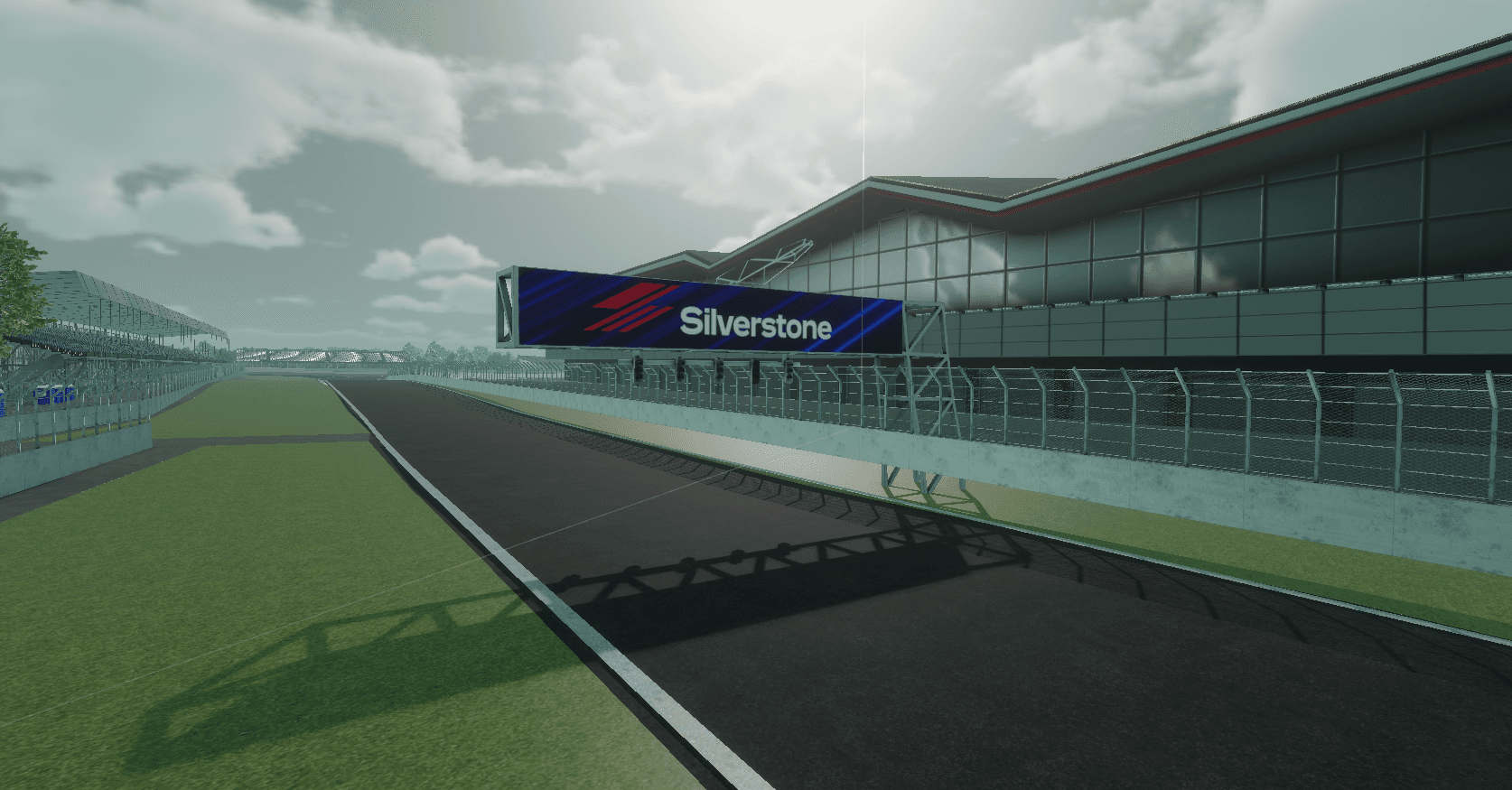
Project overview
As part of a 10 week project we created a realistic driving experience using Unity. We chose to create Silverstone using a height map. We have also created our completely custom car controller.
Challenge
I was responsible for creating the physics part of the game. In this process I had to find a way to create the most realistic way possible of recreating a car. I also had to make sure this system worked for everyone by adding in controller support.
Solution
I decided not to use Unity's wheel collider but instead make my own multi script system. This gave me complete control over track conditions, weather conditions, tyre compounds, and more.
Outcome
I learned how to create sophisticated systems using Unity's PhysX engine. In this process I have used all the tricks in the engine to get the best result. I have also seen all the flaws in the engine and its performance and how to work around it.
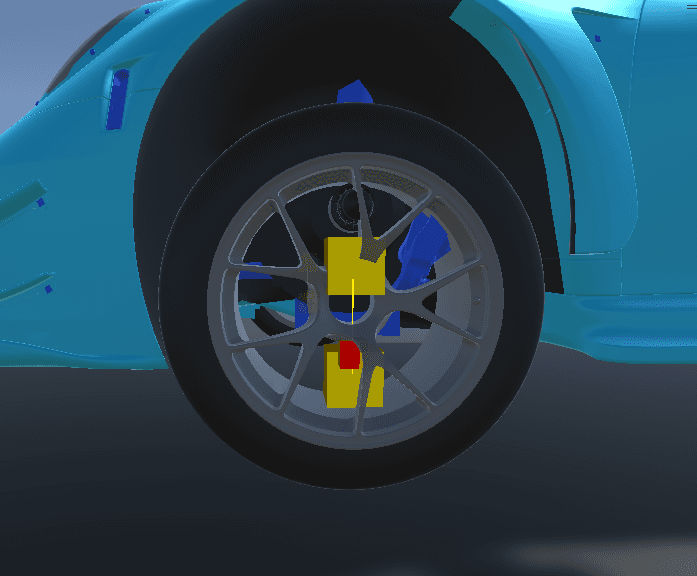
The suspension travel and the current point in suspension.
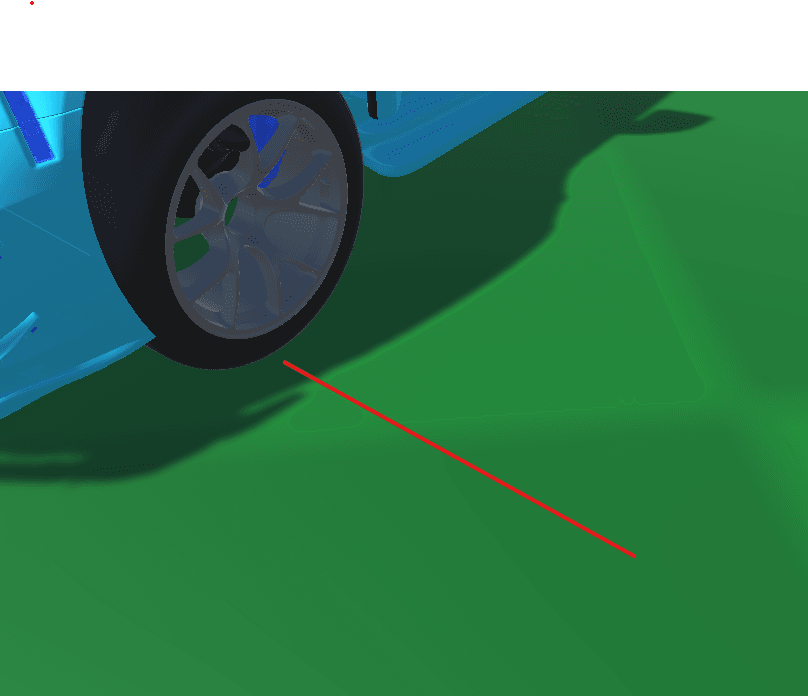
The grip force in the corner shown.
Suspension
Uses real world values for the setup of the suspension.
private void Suspension(){//calculating the total travel the spring hasfloat totalTravel = highestPoint.y - lowestPoint.y;//calculating how compressed the spring isfloat targetPos = travel * targetPosition + lowestPoint.y;currentTravel = targetPos - tyre.transform.localPosition.y;travelFactor = Mathf.Abs(currentTravel) / (totalTravel / 2);//checking the progression of the springfloat progressionFactor = progressionCurve.Evaluate(travelFactor);//calculating the velocity of the springfloat springVelocity = (currentTravel - lastTimestepTravel) / Time.fixedDeltaTime;lastTimestepTravel = currentTravel;//calculating the amount of force the spring should pressfloat force = -Mathf.Sign(currentTravel) * stiffness * progressionFactor - springVelocity * damper;//check how much force would be pushed to both sidesif (tyre.isGrounded && force >= 0){ApplyForces(force);}else{ApplyForces(force / 2);}}
Tyres
Creates the grip of the car.
private float LateralGrip(){//check if the car is on the groundif (!isGrounded){return 0f;}//calculate the velocity in the tyres directionfloat dotProduct = Vector3.Dot(transform.right, carRb.GetPointVelocity(transform.position).normalized);dotProduct = Mathf.Clamp(dotProduct, -1, 1);//calculate the force that the car pushes against the tyres direction and get the factor from the curvefloat idealForce = carRb.mass * (carRb.velocity.magnitude * dotProduct);float availableGrip = latGripCurve.Evaluate(Mathf.Abs(dotProduct));//add al the modifiers for the grip and put the force to the right directionfloat totalForce = idealForce * latGripBending * availableGrip;//calculate the max and lost force that the tyre can handlelatMaximumGrip = idealForce;lostLatTorque = totalForce - idealForce * latGripBending;return totalForce;}
Interested in work like this?
I enjoy building products that need more than a surface-level redesign: the kind of work where UI, data, tooling, and operational clarity all matter together.