Procedural Terrain Node Builder
I built a tool for quick and easy procedural terrain generation.
Solo Developer
juli 2026 - august 2026
3 technologies
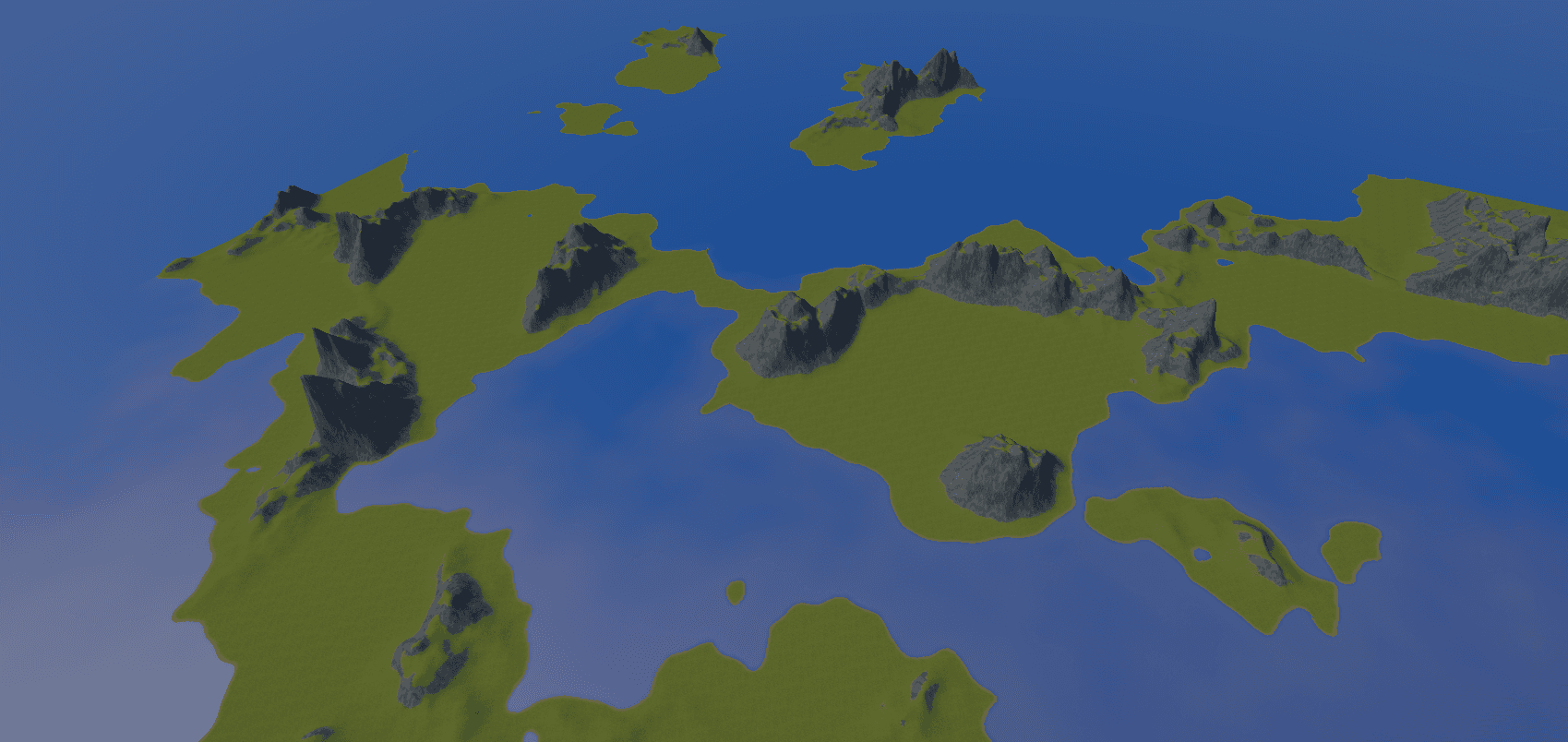
Project overview
I wanted to create a tool that made procedural terrain easy to use and configure. The goal was that no coding experience should be needed to change things in the terrain generation.
Challenge
The biggest challenge was to find the right UI to make this system intuitive and easy. I considered options like a custom editor window, using the inspector, and making a node based system.
Solution
When building the tool I found the Unity Graph Toolkit. At the writing of this text it is still in development but it was already included into the newest versions so I decided to use this new system.
Outcome
A really quick and easy to use system that looks and works really similar to systems like shader graph but for terrain. With lots of unique nodes that can all twist the terrain into unique shapes and effects.
Result
The result of the graph shown on this page.
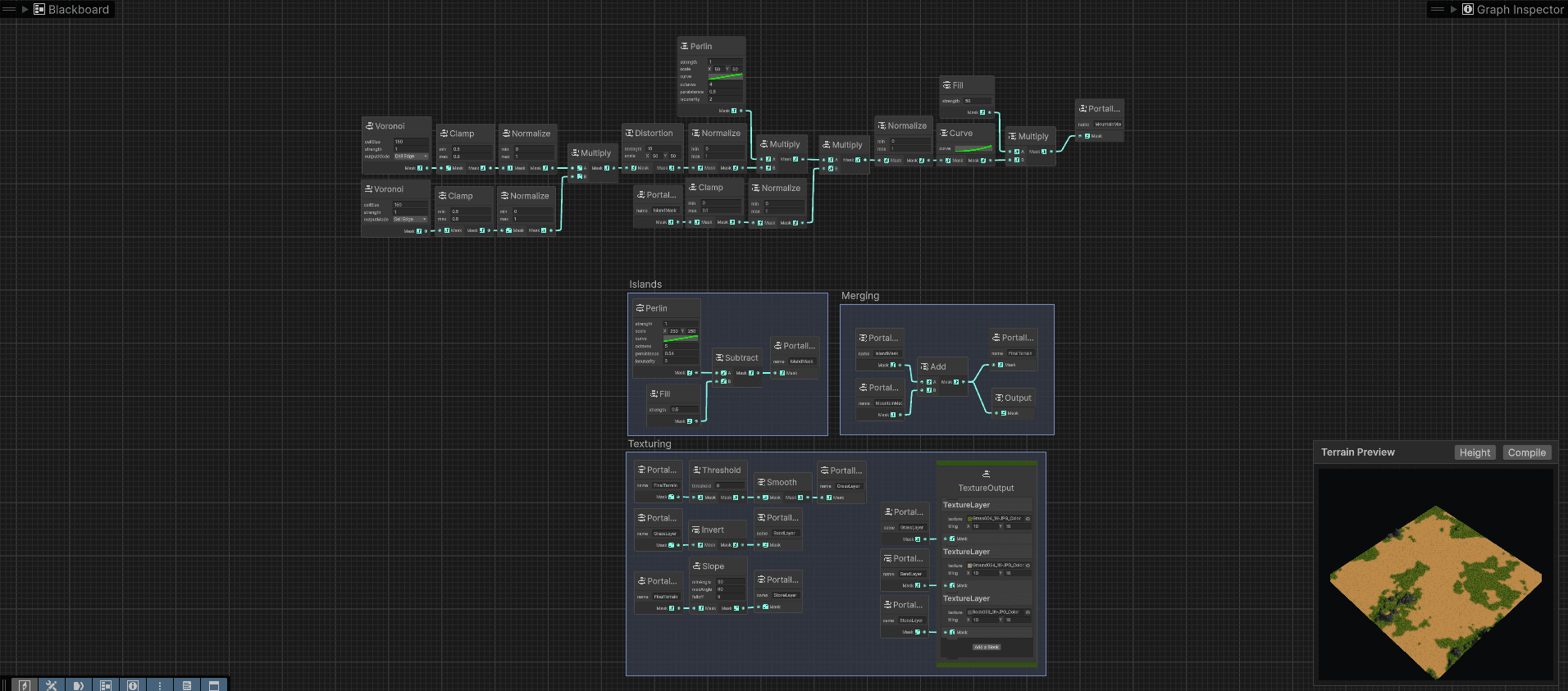
Built graph creating continents.
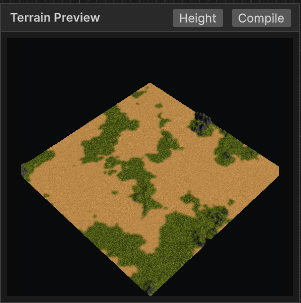
Updating preview window
Node example
An example of the code connecting the custom back end to the UI.
[Serializable, Node("Terrain/Noise")]public class Perlin : EffectNode{public float defaultStrength = 1f;public Vector2 defaultScale = new Vector2(50f, 50f);public AnimationCurve defaultCurve = AnimationCurve.Linear(0f, 0f, 1f, 1f);public int defaultOctaves = 4;public float defaultPersistence = 0.5f;public float defaultLacunarity = 2f;protected override void OnDefineOptions(IOptionDefinitionContext context){context.AddOption<float>("strength").WithDefaultValue(defaultStrength);context.AddOption<Vector2>("scale").WithDefaultValue(defaultScale);context.AddOption<AnimationCurve>("curve").WithDefaultValue(defaultCurve);context.AddOption<int>("octaves").WithDefaultValue(defaultOctaves);context.AddOption<float>("persistence").WithDefaultValue(defaultPersistence);context.AddOption<float>("lacunarity").WithDefaultValue(defaultLacunarity);}protected override void OnDefinePorts(IPortDefinitionContext context){context.AddOutputPort<float>("Mask").Build();}public override TerrainNodeData Generate(){return new PerlinData{id = id,strength = GetOption<float>("strength"),scale = GetOption<Vector2>("scale"),curve = GetOption<AnimationCurve>("curve"),octaves = GetOption<int>("octaves"),persistence = GetOption<float>("persistence"),lacunarity = GetOption<float>("lacunarity")};}}
Effect class
An example of the back end of a node.
using System;using System.Collections.Generic;using UnityEngine;public static class PerlinEffect{public static float[,] Generate(PerlinData context){var random = context.CreateRandom();var map = new float[context.resolution.x, context.resolution.y];var offsetX = (float)random.NextDouble() * 1000f;var offsetY = (float)random.NextDouble() * 1000f;var scaleX = Mathf.Max(0.0001f, context.scale.x);var scaleY = Mathf.Max(0.0001f, context.scale.y);for (var x = 0; x < context.resolution.x; x++){for (var y = 0; y < context.resolution.y; y++){var worldX = x * context.unitsPerPoint.x;var worldY = y * context.unitsPerPoint.y;var amplitude = 1f;var frequency = 1f;var noiseHeight = 0f;var maxValue = 0f;for (var i = 0; i < context.octaves; i++){var sampleX = (worldX / scaleX + offsetX) * frequency;var sampleY = (worldY / scaleY + offsetY) * frequency;var noise = Mathf.PerlinNoise(sampleX, sampleY);noiseHeight += noise * amplitude;maxValue += amplitude;amplitude *= context.persistence;frequency *= context.lacunarity;}if (maxValue > 0f){noiseHeight /= maxValue;}if (context.curve != null){noiseHeight = context.curve.Evaluate(noiseHeight);}map[x, y] = noiseHeight * context.strength;}}return map;}}[Serializable]public class PerlinData : TerrainNodeData{public float strength = 1f;public Vector2 scale = new(50f, 50f);public AnimationCurve curve = AnimationCurve.Linear(0f, 0f, 1f, 1f);public int octaves = 4;public float persistence = 0.5f;public float lacunarity = 2f;public override float[,] Generate(List<float[,]> inputs){return PerlinEffect.Generate(this);}}
Interested in work like this?
I enjoy building products that need more than a surface-level redesign: the kind of work where UI, data, tooling, and operational clarity all matter together.